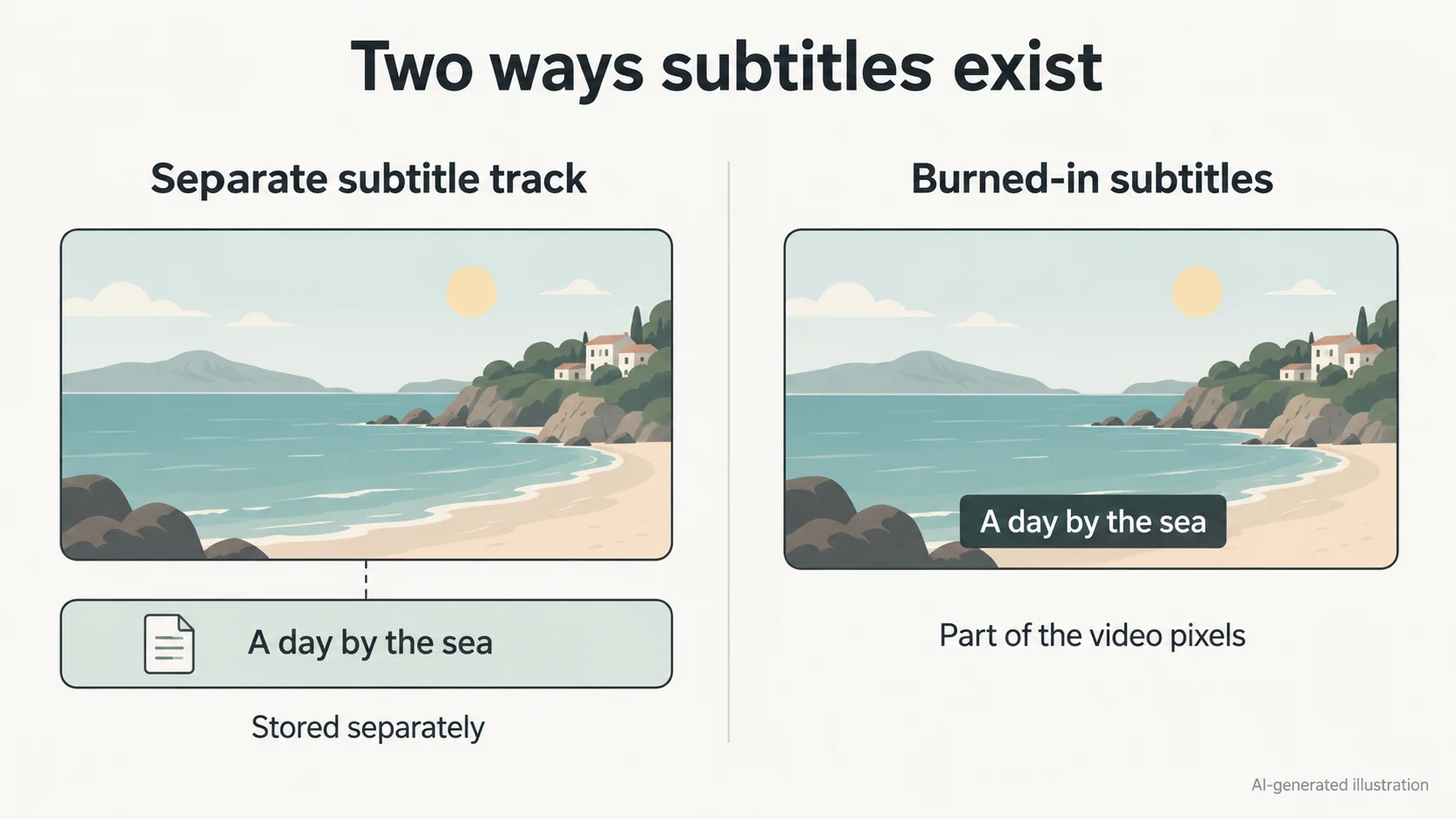
Generated captions can contain many individual segments. Decide whether you want fewer captions, corrected words, or no captions at all; each requires a different selection.
For one unwanted line, select its caption clip
Delete that segment, then play across its boundaries. If the line needs correction, use Edit captions instead: CapCut documents desktop access through the caption block and a mobile Edit captions control after selecting a subtitle clip.
For duplicates, inspect every text lane
A manual title and an auto-caption may occupy the same position. Remove the extra clip, leaving the wanted caption set. Look for overlapping segment boundaries as well. Deleting one source will not remove a second source already visible underneath.
For a full set, restrict selection to captions
Select the unwanted caption segments without including video, music or manual text. If your version provides no clear caption-only batch selection, remove them in smaller groups. Scrub the entire sequence afterward; do not rely on a global keyboard shortcut or an Apply to all style switch to delete only captions.