
Brand refresh
Remove an old logo version added by your own team.
remove logo from video
Clean old brand marks, internal labels, or incorrect logo overlays that your team added.
Do not remove third-party copyright marks, platform logos, stock-library marks, or rights-management information.
This uses the live product workflow. Short, specific English prompts are usually steadier.
Short English prompts usually produce the most stable result. Your prompt is sent as written.
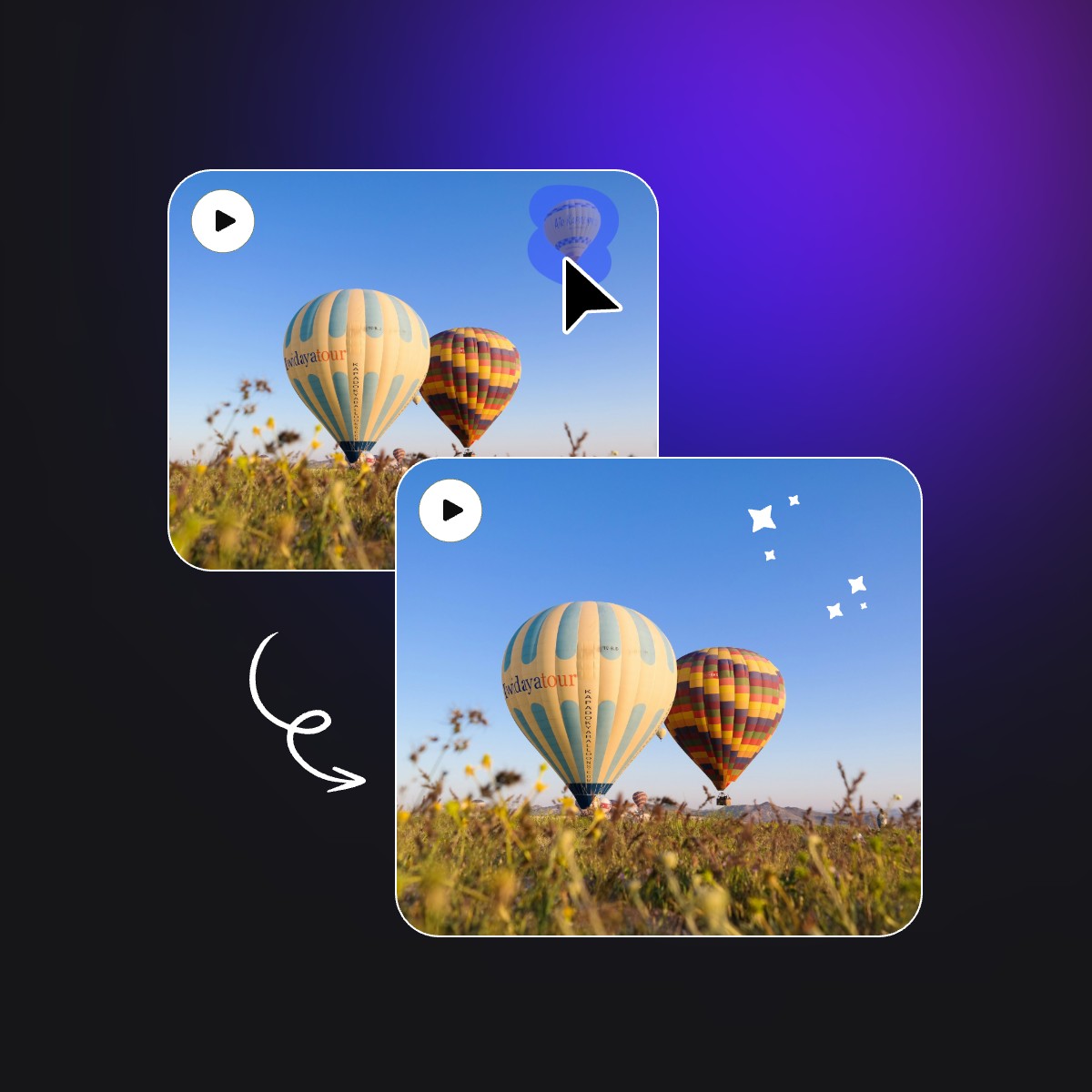
This owned demo shows the source clip and real processed result without presenting it as a page-specific result.
This page supports brand updates, incorrect exports, and client footage you are authorized to edit.
Remove an old logo version added by your own team.
Clean an overlay included by mistake during export.
Edit client footage only within the permission they provided.
State color, shape, corner placement, and whether the mark moves with the footage.
Make sure both the logo and footage are yours or authorized.
Identify it using color, shape, and frame position.
Inspect reconstruction under transparency and complex backgrounds.
Describe only a mark you own or have permission to remove.
remove our old blue logo in the upper right cornerremove the internal review logo at the bottomremove the outdated round brand mark on the wallIf a logo belongs to a platform, stock library, or another rights holder, obtain a licensed clean copy.
Technical capability does not create permission to remove a mark.
Describe color, position, appearance, and motion instead of using a vague pronoun.
Short footage, stable backgrounds, and limited occlusion usually produce more consistent frames.
Check edges, texture, motion, and audio before using the processed video in a final edit.
No. Obtain an authorized clean file from the platform or rights holder.
It can attempt the mark when you have permission. Describe its color, shape, location, and movement, then review every frame where its position changes.
Split the intro and outro into separate clips and process each logo independently. Separate tasks keep the prompt tied to one mark and one background.
Automatic reconstruction may alter important detail that was never visible. Use an original clean export or a manually controlled composite for critical content.
Eligible verified accounts receive 3 credits for up to 3 seconds of processing. Free accounts support clips up to 10 seconds and 50MB, subject to their credit balance.
ObjectRemover accepts MP4 and MOV up to 1080p and 60fps. All plans support files up to 100MB.
Sources are deleted 24 hours after a job ends. Results stay for 7, 30, 60, or 90 days by plan.
You can choose whether to preserve source audio when submitting the job. Listen to the complete download afterward to confirm duration, sync, and content.
The result must be encoded as a new video. Upload the highest-quality source available and avoid repeated compression or low-quality social-media downloads before processing.
You can try, but describing one clear target per pass is usually steadier and makes it easier to identify which target or time range needs another attempt.
Trim to one continuous shot and add target color, position, appearance, and motion. If the target overlaps the subject for a long time, use a desktop editor with masks and tracking.
Confirm permission, then describe the old logo you need to remove.